

Speed AI is launching SpeedAI PDF for Windows
SpeedAI PDF
The simple Windows PDF editor inspired by macOS Preview.
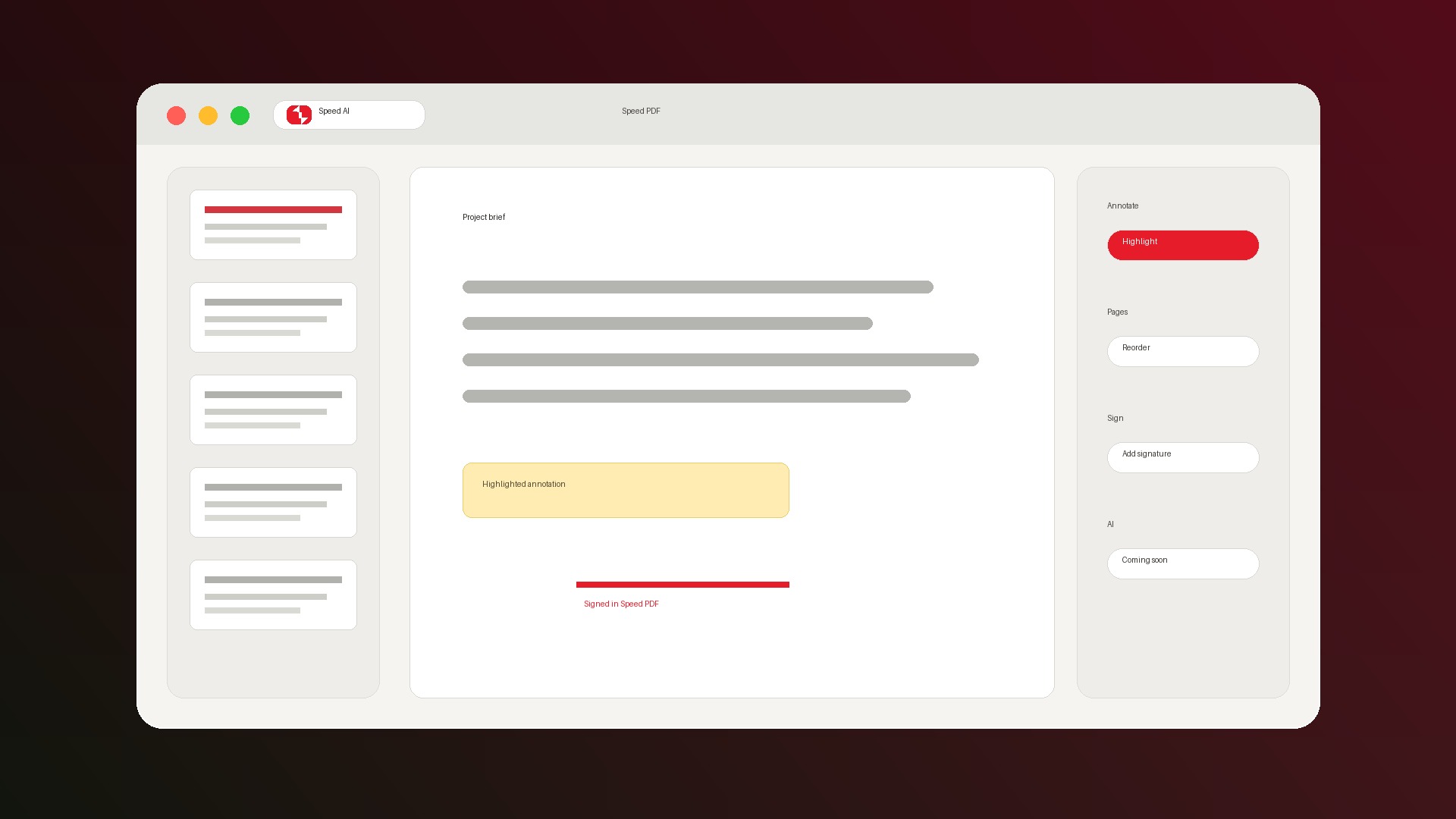
Read, highlight, fill forms, sign, merge, split, rotate, resize, insert images, organize pages, and save edits into real PDFs without Adobe-style bloat.
Windows V1 is in final polish · Core PDF tools will be free · Optional AI upgrades come later
Why it exists
For the PDF jobs that should not require Acrobat.

Fast everyday work
Open, review, mark up, sign, and save common PDFs without a ribbon full of tools you did not ask for.

Free core tools
Reading, annotation, forms, signatures, and page organization belong in the free everyday toolkit.

AI stays optional
Future AI features will be add-ons, not the reason the basic PDF editor becomes complicated.
Expected in Windows V1
One focused app for everyday PDF chores.
Why trust us
Trust is part of the launch plan.
SpeedAI PDF handles the kind of documents people hesitate to upload anywhere. V1 trust starts with Windows distribution, plain privacy language, and accessibility transparency.
- Microsoft SmartScreen reputation: Microsoft Store distribution is the cleanest install path, and direct downloads should be signed so Speed AI appears as the verified publisher.
- Privacy policy: We will clearly separate waitlist email, analytics, diagnostics, feedback, local PDF editing, and future optional AI processing.
- VPAT/ACR accessibility report: A VPAT is not a certification, but a completed Accessibility Conformance Report can show how SpeedAI PDF supports accessibility standards.
- Public launch report: The current marketing and trust audit is available so the product promise stays visible.
Speed is a feature. Free is the price.
Join the Windows waitlist and we will send the SpeedAI PDF download when V1 is ready.