

Flagship product · Windows V1
Simple PDF editing for people who just need the job done.
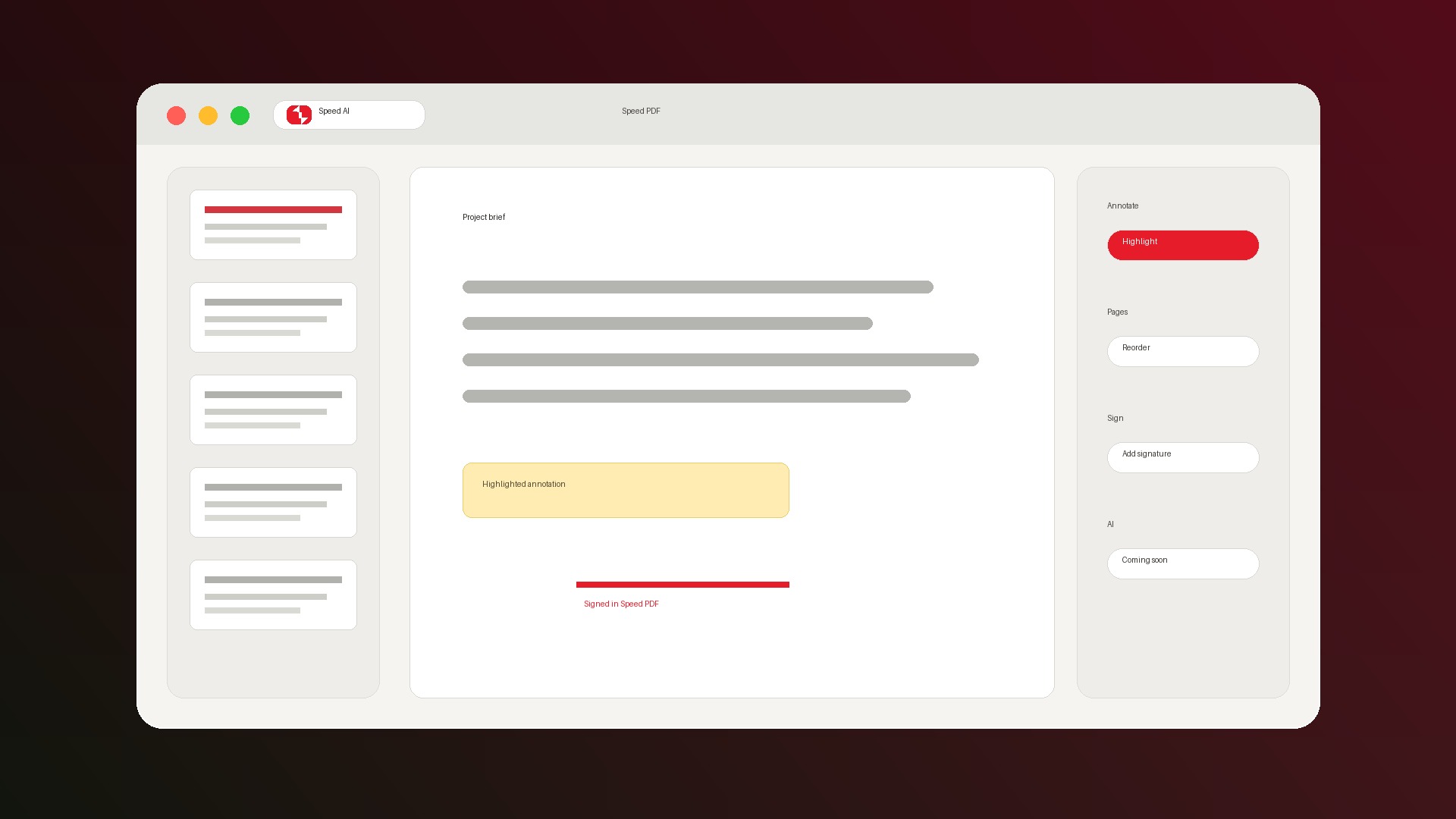
SpeedAI PDF gives Windows users a Preview-like place to read, mark up, sign, print, merge, split, resize, rotate, and organize PDFs without opening a heavyweight suite.
Built by Speed AI. Windows first, with macOS planned after V1.
Core workflows
Everything expected in the V1 everyday toolkit.

Read and review
Open PDFs, scroll, zoom, search, copy text, and use page thumbnails when the document gets long.

Annotate clearly
Highlight, underline, strikethrough, draw, add text boxes, and leave sticky notes that save into the PDF.

Fill and sign
Fill PDF forms, add typed or drawn signatures, and use trackpad signature capture when V1 lands.

Organize pages
Reorder, delete, insert, rotate, resize, merge documents, and extract pages as new PDFs.
Add page content
Drop images into pages or the sidebar for practical document assembly without a design tool.

Print with confidence
Preview output before printing so annotations, forms, and page structure match the final result.
Differentiation
Not a browser viewer. Not Acrobat. Just the daily PDF lane.
Browser PDF viewers
Good for reading, weak for signing, forms, durable annotations, and page management.
Heavy PDF suites
Powerful, but often too slow, expensive, and cluttered for the one PDF task in front of you.
SpeedAI PDF
A focused Windows app for the everyday middle: mark up, sign, organize, save, and move on.
Trust is part of the product.
PDFs often contain contracts, forms, medical records, taxes, and client work. V1 should feel safe before it feels clever.
- Core tools do not require an account.
- Everyday editing is designed for local Windows use.
- Annotations and edits are saved into standard PDFs.
- Future AI features will be optional upgrades, not required for the core app.
Windows PDF guides
Start with the PDF task in front of you.
Free PDF editor for Windows
See how SpeedAI PDF covers everyday editing, annotation, signing, forms, merge, split, and page organization.
Sign PDFs on Windows
Add a visible drawn or typed signature, place it on the page, and save the signed PDF for sharing.
Fill PDF forms on Windows
Fill interactive forms, complete fields and checkboxes, add a signature when needed, and save locally.
Get SpeedAI PDF for Windows.
Join the waitlist and we will send the Windows V1 download when it is ready.