

PDF form filler for Windows
Fill PDF Forms On Windows
SpeedAI PDF is planned to help Windows users complete forms, check boxes, choose options, sign when needed, and save the finished PDF.
Built for HR forms, school forms, government PDFs, client documents, and everyday paperwork.
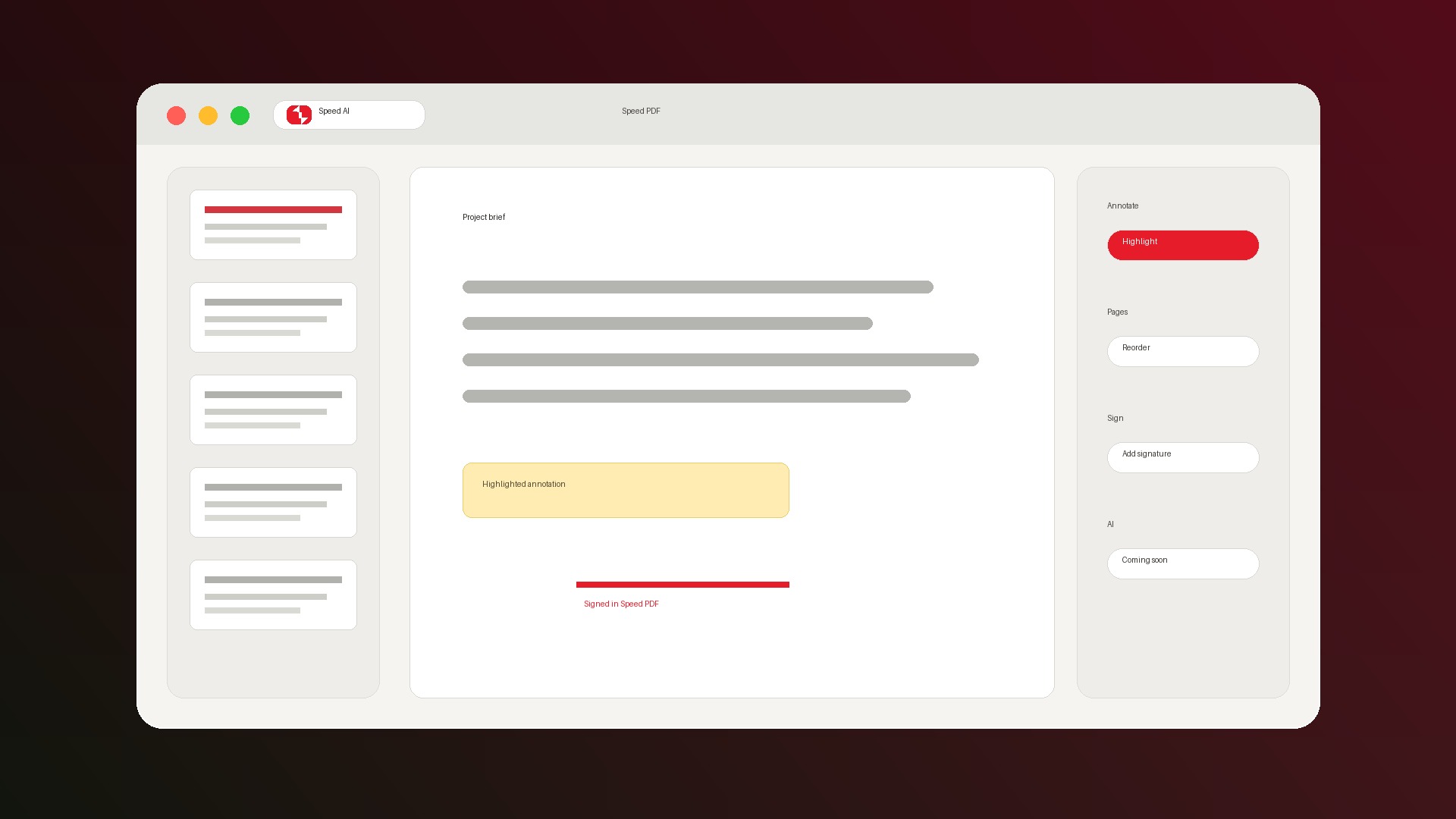
Form workflows
Fill forms directly, then save the completed PDF.
Why it matters
Forms are where PDF editors earn trust.
Practical form support
Complete interactive PDF fields without turning a quick form into a software project.
Sign when needed
Add a visible signature after filling a form so the document is ready to send.
Local-first by default
PDF forms often contain sensitive details, so everyday editing is designed for local Windows use.
Private documents should stay boring.
SpeedAI PDF keeps the core form-filling promise simple: open the PDF, complete the form, save it, and move on.
- Core tools do not require an account.
- Annotations and edits are saved into standard PDFs.
- Future AI features will be optional upgrades.
FAQ
Can SpeedAI PDF fill interactive PDF forms?
Yes. PDF form fields are part of the planned V1 everyday toolkit.
Can I save the completed form?
Yes. SpeedAI PDF is designed to save edits into standard PDFs so completed forms can be shared.
Can I sign a form after filling it?
Yes. V1 is planned to include visible drawn or typed signatures for everyday PDF signing.
Join the Windows waitlist.
We will send the SpeedAI PDF download when V1 is ready.