

PDF signatures on Windows
Sign PDFs On Windows
SpeedAI PDF gives Windows users simple visible signature tools for forms, contracts, approvals, and everyday documents.
Visible signatures are planned for V1. Cryptographic digital certificates are out of scope for V1.
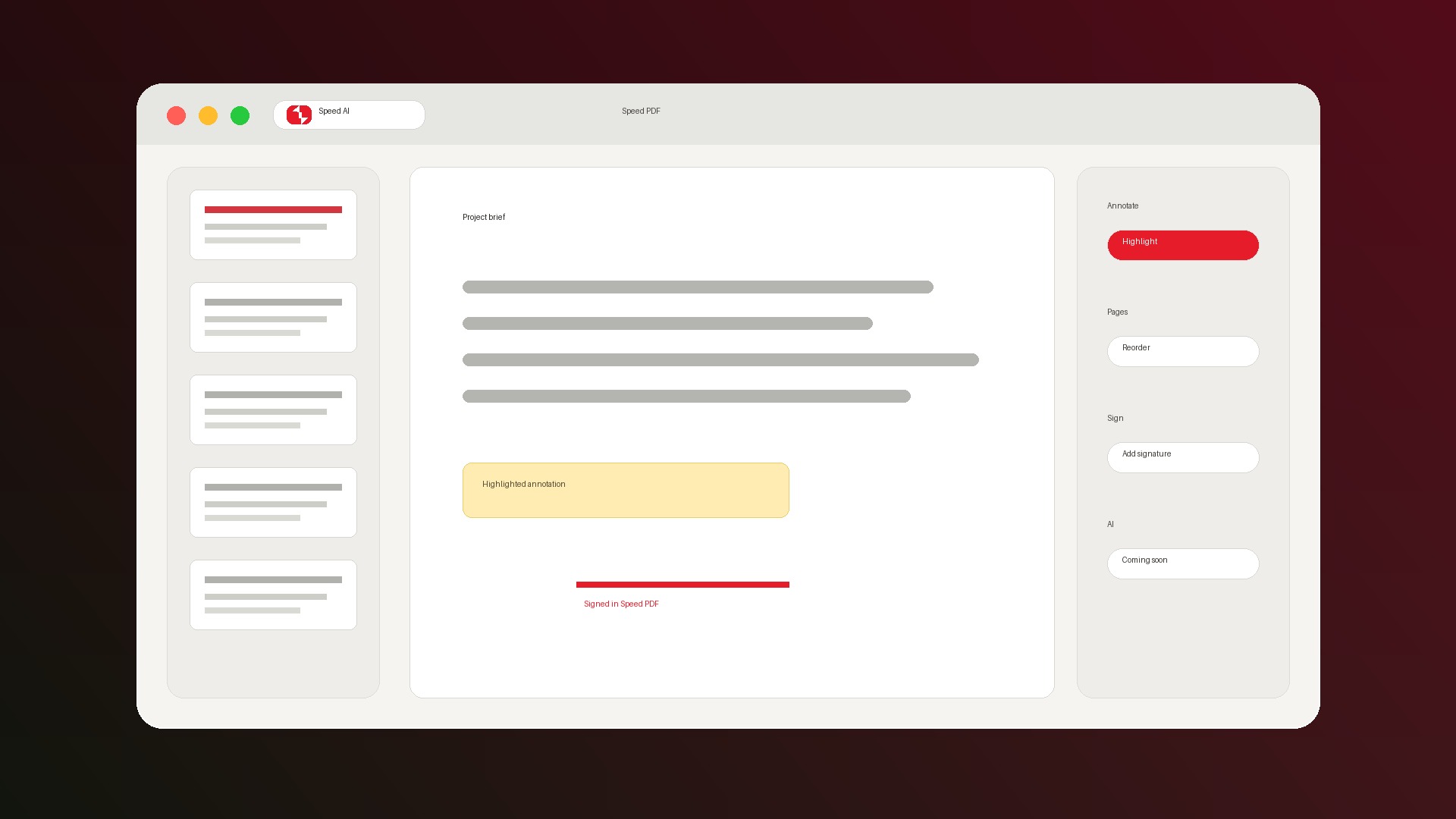
Signature workflow
Add a simple signature and save the PDF.
What V1 means
Designed for the common signature job.
Draw or type
Create a visible signature with the mouse, touchpad, or a typed name in a handwriting style.
Place and resize
Put the signature where the document needs it and size it before saving.
Not cryptographic signing
V1 is for visible signatures. It does not include certificate-based digital signing or identity verification.
Signing should feel private.
Contracts, medical forms, tax forms, and client PDFs should not feel like upload-first workflows.
- Everyday editing is designed for local Windows use.
- Core tools do not require an account.
- Future AI features will be optional upgrades.
FAQ
Can I sign a PDF without Adobe?
Yes. SpeedAI PDF V1 is planned to let you add a visible drawn or typed signature without using a heavyweight suite.
Is this a legal digital signature?
SpeedAI PDF V1 creates visible signatures. It does not provide certificate-based digital signing or legal identity verification.
Can I fill a form and sign it?
Yes. V1 is planned to support both interactive PDF forms and visible signatures.
Get SpeedAI PDF for Windows.
Join the waitlist and we will send the V1 download when it is ready.