

Windows PDF editor
Free PDF Editor For Windows
SpeedAI PDF is built for the daily PDF jobs that should not require a heavyweight suite: read, annotate, fill forms, sign, merge, split, and organize pages.
Core editing tools are planned to be free. Optional AI upgrades come later.
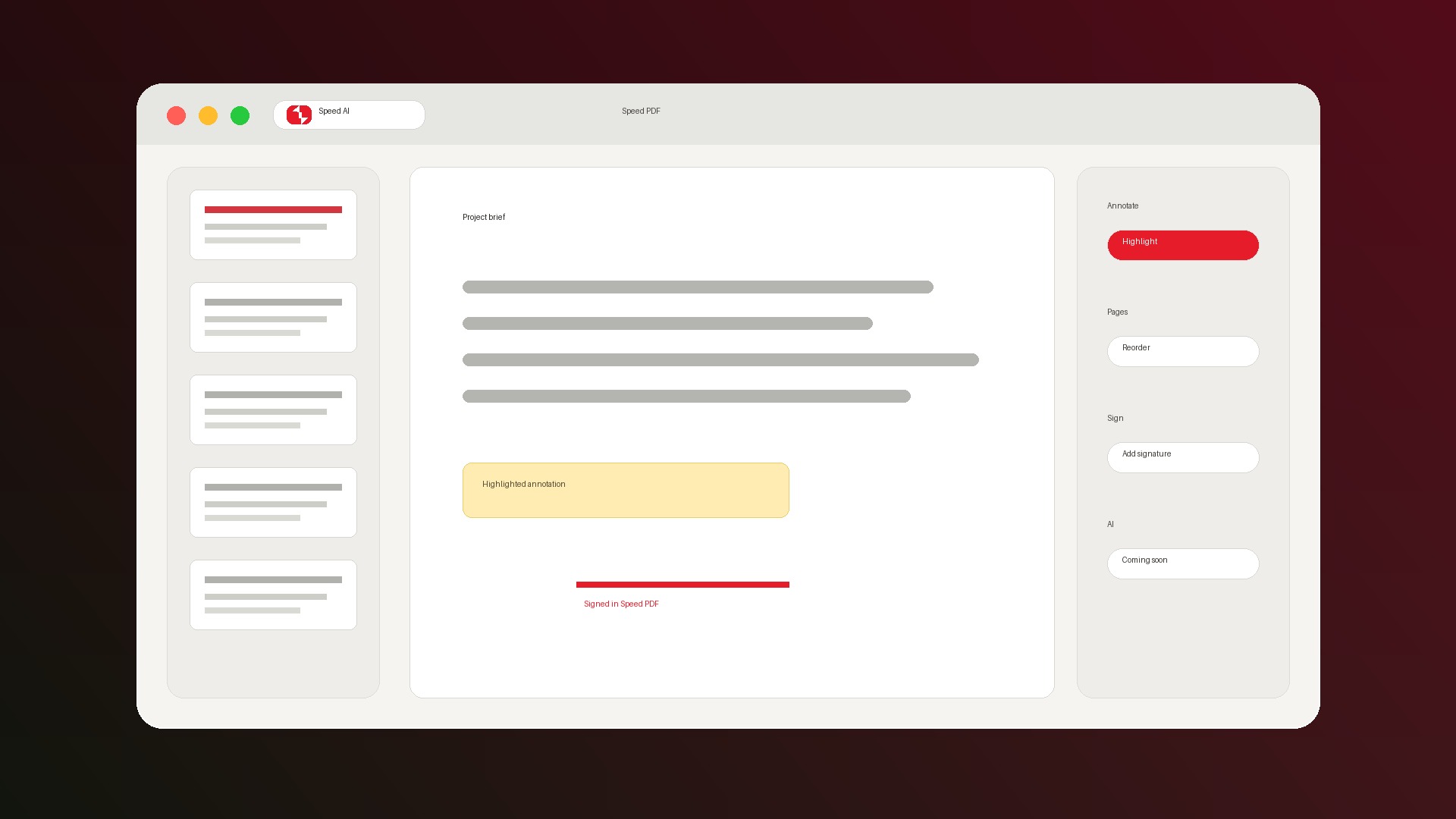
Simple by design
PDF editing without heavyweight software.
Why SpeedAI PDF
A practical Adobe Acrobat alternative for everyday Windows users.
Browser viewers stop too early
They can open PDFs, but they are not built for durable edits, signatures, form completion, or page organization.
Local-first editing
Everyday editing is designed for local Windows use, which matters when PDFs contain contracts, taxes, forms, or client work.
Standard PDF saves
Annotations and edits are designed to save into standard PDFs so the result can be opened in other readers.
Core tools should not require an account.
SpeedAI PDF V1 is focused on the core Windows PDF toolkit. Future AI features will be optional upgrades, not required for basic editing.
- Read, annotate, fill, sign, merge, split, and organize PDFs.
- Use the app on Windows for everyday local PDF work.
- Join the waitlist to get the V1 download when it is ready.
FAQ
Is SpeedAI PDF free?
SpeedAI PDF is planned with free core PDF tools. Future AI features may be paid optional upgrades.
Can SpeedAI PDF replace Adobe Acrobat?
For everyday editing, yes. It is not trying to replace advanced enterprise workflows, digital certificates, or heavy prepress tools.
Does SpeedAI PDF work offline?
V1 everyday editing is designed for local Windows use. Waitlist, updates, diagnostics, and future AI features may use online services only where needed.
Join the Windows waitlist.
We will send the SpeedAI PDF download when V1 is ready.